
What is the best AI coloring page generator?
The best one makes clean black-and-white pages you can print right away, sized for the child’s age. Use the checklist below, or try ours free first.
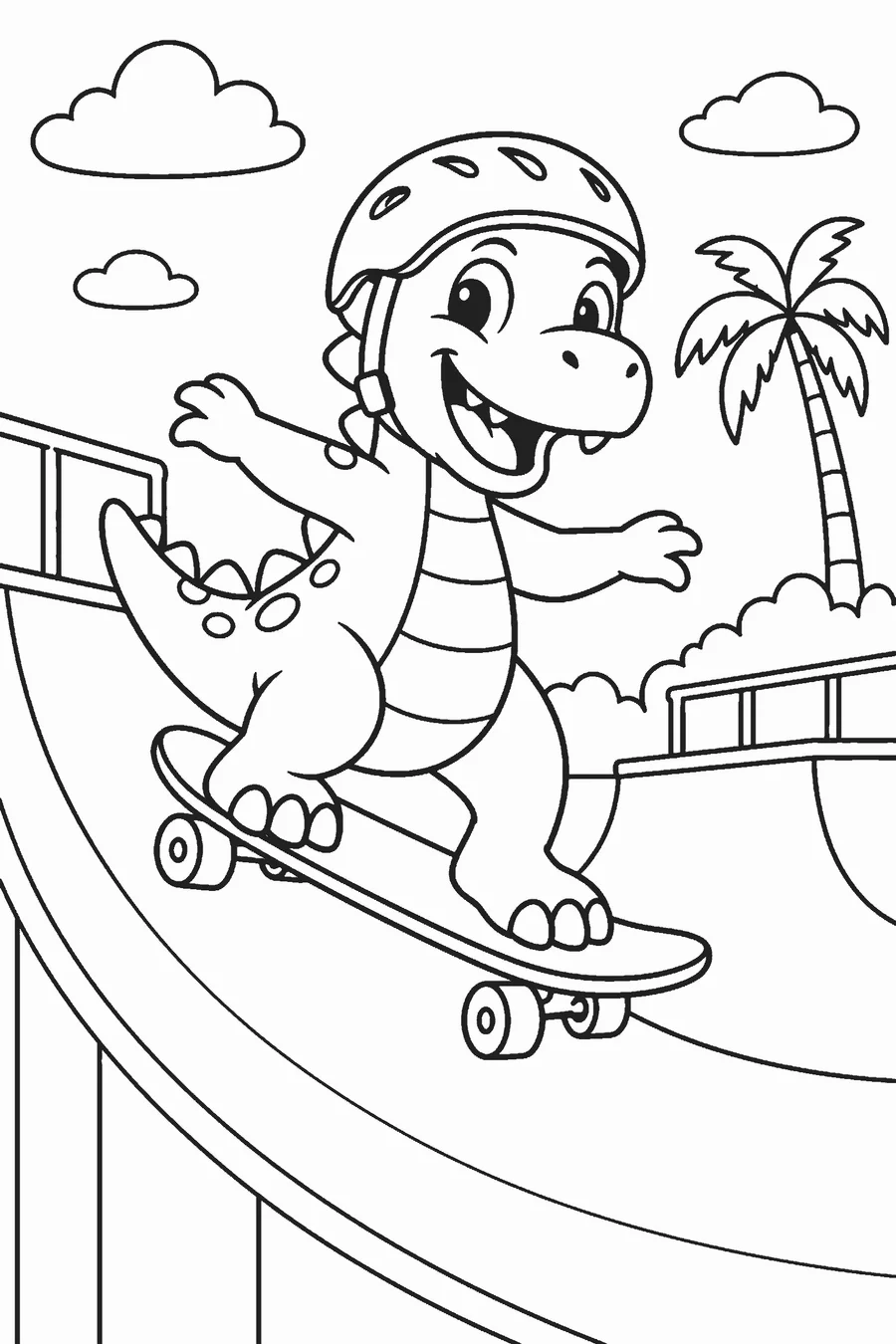
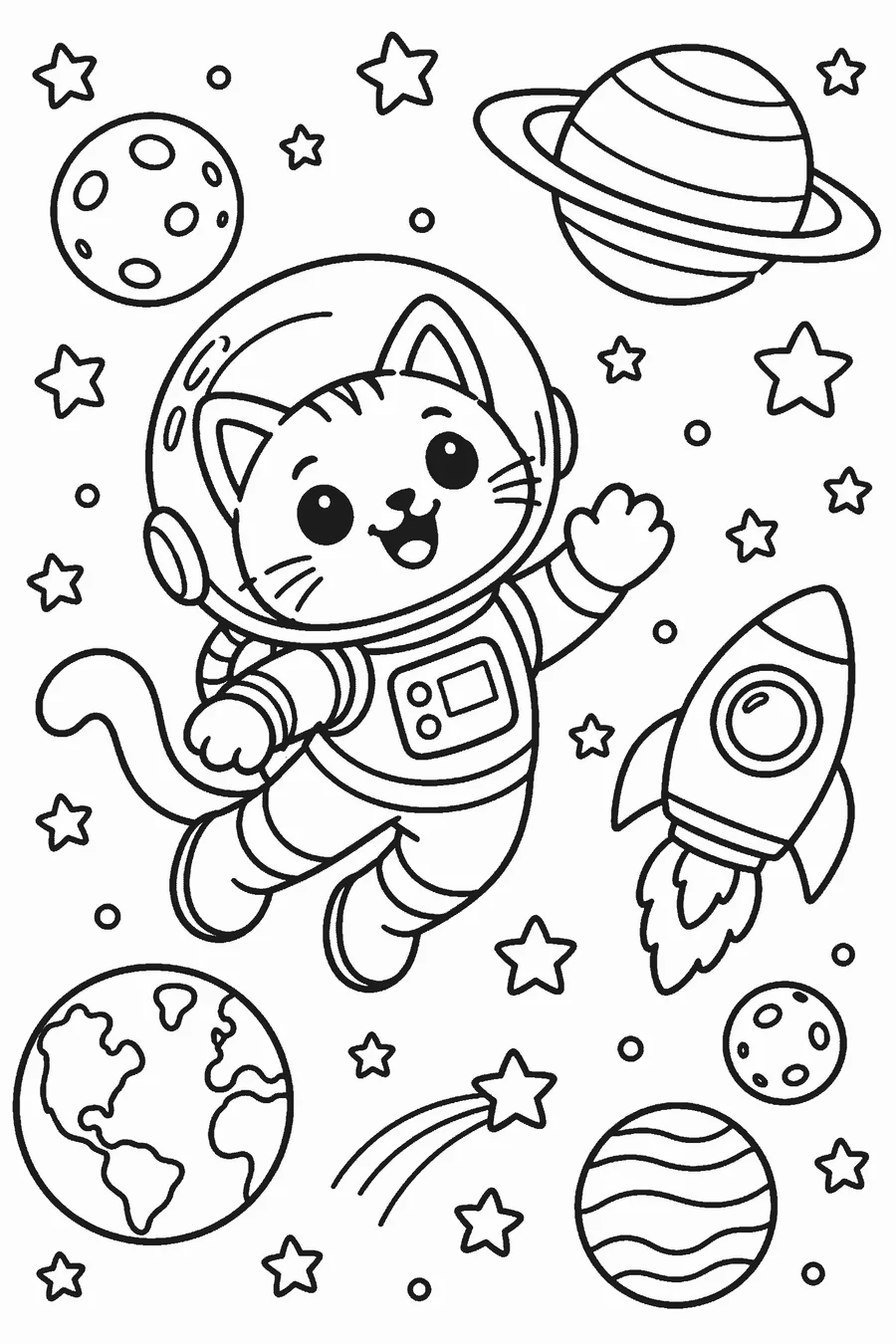
In short: The best AI coloring page generator is a dedicated one that outputs pure black outlines on white with no gray shading, lets you set detail by age, returns more than one option and exports a print-ready PDF. General image AIs can make coloring pages but often add shading and need prompt work. Linecraft checks every box, and your first page is free with no sign-up.
How do I choose the best AI coloring page generator?
Pick a tool built for coloring pages rather than a general image generator. Check six things: black lines on pure white with no gray shading, detail that matches the child’s age, more than one drawing per prompt, a print-ready size (at least 2000 px or a Letter/A4 PDF), honest pricing with no surprise subscription, and original characters only. General chatbots and image apps can draw line art if you prompt carefully, but they often add shading or gray backgrounds. Linecraft is built for this job: four age groups, two drawings per credit, 2400 px PNG and PDF, no subscription. Your first page is free without an account.
- 1 free AI page per visitor, no sign-up (small linecraft.page mark)
- 3 more free credits after Google sign-in, no card
- 1 credit = 2 AI drawings to pick from; packs from $4.99, one-time, never a subscription
- Photo sketch, bubble letters, worksheets and the printable gallery are free and unlimited
How to test an AI coloring page generator
Use the same prompt everywhere
Try one simple prompt, like “a turtle playing guitar,” on each tool.
Check the lines
Zoom in: lines should be solid black with no gray shading or fills.
Print one page
Print on plain paper and check that nothing is cut off or blurry.
Read the pricing
Look for card-required trials and monthly renewals before you sign up.
Three kinds of tools compared
| General image AI / chatbots | Dedicated coloring page generator | Printable coloring page sites | |
|---|---|---|---|
| Custom scene from your idea | Yes | Yes | No, pick from a library |
| Clean line art by default | Often needs prompt work; may add shading | Yes | Yes |
| Detail by age | Only if you describe it | Usually built in | Browse by age or theme |
| Print-ready PDF | Rarely; save and resize the image | Usually | Yes |
| Cost | Free tiers or subscription | Credits or subscription | Usually free with ads |
| Best for | Adults comfortable with prompting | Parents and teachers who want a page now | Common themes |
Linecraft covers the last two columns: a dedicated generator plus a free library of printable pages by theme.
Checklist: what the best generator does
| Standard | Good sign | Linecraft |
|---|---|---|
| Output | Black lines on pure white, no shading | Yes |
| Age fit | Settings for toddlers to adults | 3–5, 6–8, 9+, adults |
| Choice | More than one drawing per prompt | 2 per credit |
| Print size | ≥2000 px or a Letter/A4 PDF | 2400 px PNG + PDF |
| Pricing | Clear price, no card-required trial | First page free; packs from $4.99, one-time |
| Safety | Refuses violent, adult or trademarked prompts | Yes |
| Privacy | Photos not kept longer than needed | Local photo sketch never uploads |
Which one to use when
- You want a page about a very specific idea right now: a dedicated AI generator.
- You want a common theme (animals, unicorns, holidays) for free: a printable coloring page library.
- You want a coloring page of your own photo: a photo-to-coloring-page converter.
- You want a whole book for a birthday or class: a coloring book maker that builds a PDF.
Frequently asked questions
Can ChatGPT make coloring pages?
It can draw line art if you ask for black outlines on white with no shading, but you may need several tries and it does not set detail by age or export a print layout. A dedicated generator does that by default.
Is there a free AI coloring page generator?
Yes. On Linecraft the first page is free with no account, and Google sign-in adds 3 free credits.
Which generator is best for toddlers?
One with an age setting that makes very large, simple shapes with thick outlines. Linecraft’s Ages 3–5 setting does this.
Do I need a subscription?
Not on Linecraft: credits are one-time packs and never expire. Some other tools bill monthly, so check before entering a card.
Can I sell pages I make?
Pages are meant for personal and classroom use. Check the terms of any tool before selling its output.