
AI coloring page generator
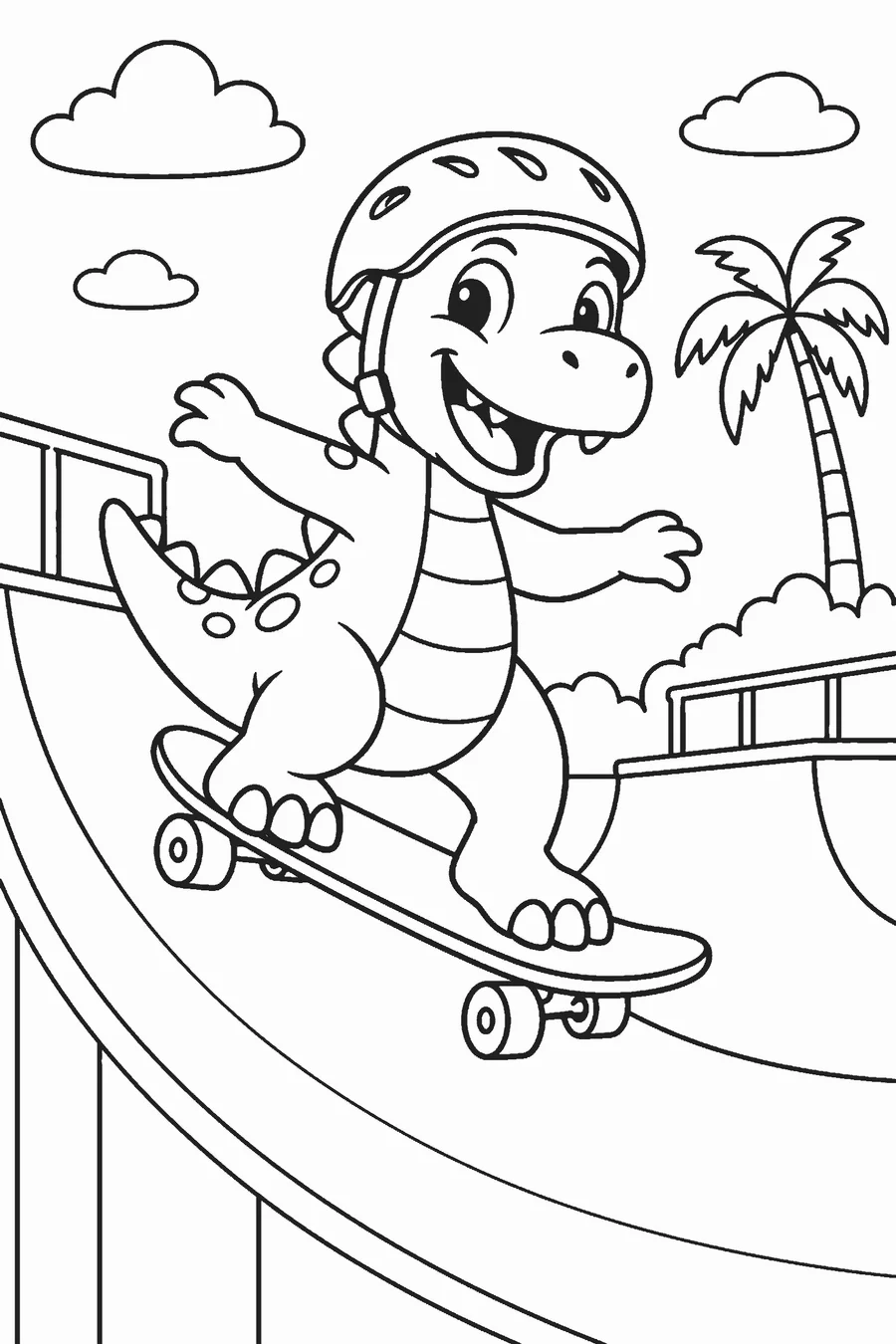
Describe what you want, like “a dinosaur riding a skateboard,” and get two coloring pages to choose from. Clean black lines, ready to print.
How does an AI coloring page generator work?
You type a short description of the scene, choose an age group, and the generator draws two coloring pages from your idea. You pick the one you like and download it as a PNG or PDF. Age groups (3–5, 6–8, 9+ and adults) change how much detail the drawing has: young children get big, simple shapes, and adults get fine patterns. Each run costs 1 credit and new accounts start with 3 free credits after signing in with Google. The output is pure black lines on a white background with no gray shading, at 2400 px, so it prints sharply at 8 inches. If a generation fails, the credit is returned automatically. Because you always get two drawings, you can choose the version with the cleanest shapes for your printer and your child.
- 1 credit per run, two drawings to choose from
- Age groups: 3–5, 6–8, 9+, adults
- Black lines on white, no gray shading, 2400 px, PNG and PDF
- Credit packs: 60 for $4.99, 200 for $12.99, 600 for $29.99; credits never expire
How to make a coloring page with the AI generator
Describe your idea
Write one short sentence with a subject and an action, such as “a fox reading a book under a tree.”
Pick an age group
Choose 3–5, 6–8, 9+ or adults. This controls how much detail goes into the drawing.
Choose one of two drawings
The generator returns two options in about 10 to 30 seconds. Pick the one you like best.
Download and print
Save the page as a PNG or PDF and print it on letter or A4 paper.
Write prompts that make good coloring pages
A good prompt names one subject, one action and maybe a place. Long lists of objects tend to produce crowded pages with tiny areas that are hard to color.
| Instead of | Try |
|---|---|
| A cool scene with lots of animals | A giraffe eating leaves from a tall tree |
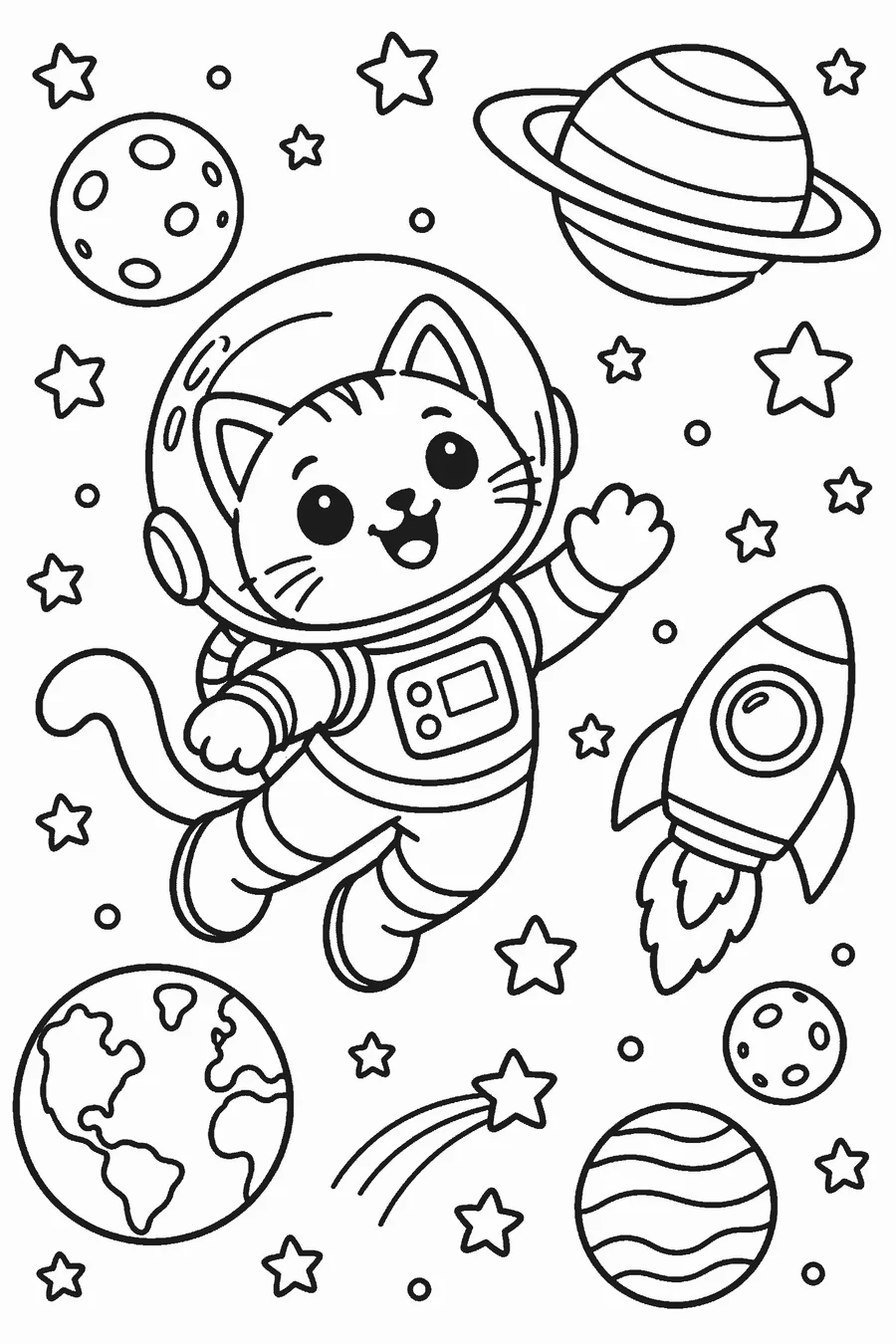
| Space | An astronaut cat floating next to a small moon |
| Something for my daughter’s birthday | A unicorn holding a cupcake with three candles |
If the first pair is not quite right, change one detail and run it again rather than rewriting the whole idea.
Choosing the right age group
- 3–5: thick lines, one big subject, very few details. Easy for crayons and chubby hands.
- 6–8: a clear subject with a simple background and some patterns to fill in.
- 9+: more scenery, smaller shapes and decorative details.
- Adults: dense patterns and fine detail for colored pencils and fine-tip pens.
When you are not sure, go one level simpler. A page that is a little easy gets finished; a page that is too fiddly often does not.
Printing tips
Every page is exported as black lines on white, with no gray fill, so it prints cleanly even on a basic black-and-white printer. PDFs use 0.5-inch margins on US Letter or A4.
- Print at 100% scale for the full page.
- Crayons and colored pencils work on regular paper. Choose cardstock for markers.
- Print two copies of favorites so a sibling or classmate can color the same page.
Ways to use it
At home
Ask your child for an idea and print it while they watch. Rainy-day pages about their own made-up characters keep attention longer than generic ones.
In the classroom
Match pages to the week’s topic: a water cycle scene, a planet, a character from a read-aloud. Pick the age group closest to your class.
For parties
Make a themed page for each table, or build a full set into a coloring book with the book maker.
Free tools to pair with it
The AI generator is the part that uses credits. Everything around it is free, so you can build a whole activity pack without spending much.
- Bubble letter generator for titles, headers and signs.
- Name coloring pages for class sets and party tables.
- The photo sketch converter, which runs in your browser, for quick pages from your own pictures.
- The gallery of free seasonal and animal pages for days when you just need something to print.
When you have a handful of pages you love, combine them into a custom coloring book. A short book of up to 10 pages costs 15 credits, and a book of up to 40 pages costs 40 credits. Credits never expire, so there is no rush to use a pack.
For kids, a good habit is to let them dictate the idea and choose between the two drawings themselves. Children are far more likely to finish a page they picked.
What it will not draw
To keep the tool safe for families, it does not draw trademarked characters from studios or franchises, and it does not make pages of real celebrities. Describe your own original character instead; that is usually more fun anyway. This tool is for parents, teachers and adults and is not directed to children under 13.
Keeping the result printable
Every drawing is checked to be pure black lines on white before it reaches you, so there are no gray fills to waste ink or smudge. The 2400 px file prints sharply at about 8 inches wide, and the PDF keeps a 0.5-inch margin around the edge.
If a page comes out busier than you wanted, rerun it with a simpler idea or one age group lower. If a run fails, the credit is refunded automatically, so you can safely try again.
Frequently asked questions
Is the AI coloring page generator free?
New accounts get 3 free credits when they sign in with Google. After that, each run costs 1 credit. Credit packs are a one-time payment with no subscription, and credits never expire.
How many drawings do I get per run?
Two. You choose the one you like and download it.
How much do credits cost?
60 credits are $4.99, 200 credits are $12.99 and 600 credits are $29.99.
What if the result is wrong?
Change one detail in your prompt and run again. If a generation fails technically, the credit is refunded automatically.
What file do I get?
A PNG at 2400 px or a PDF in US Letter or A4, with pure black lines on white and no gray shading.
Can I ask for Disney or Pokémon characters?
No. The generator does not draw trademarked characters or real celebrities. Describe an original character instead.