
How do I turn text into a coloring page?
Type one sentence describing the scene, pick an age group and press Generate. You get two printable drawings to choose from.
In short: Write one sentence with a subject, an action and a place (for example, “a dragon wearing pajamas reading a bedtime story”), choose who will color it, and a text-to-coloring-page generator draws black line art from it. On Linecraft you get two drawings in about 15 to 30 seconds, printable as a PNG or Letter/A4 PDF. The first page is free with no sign-up.
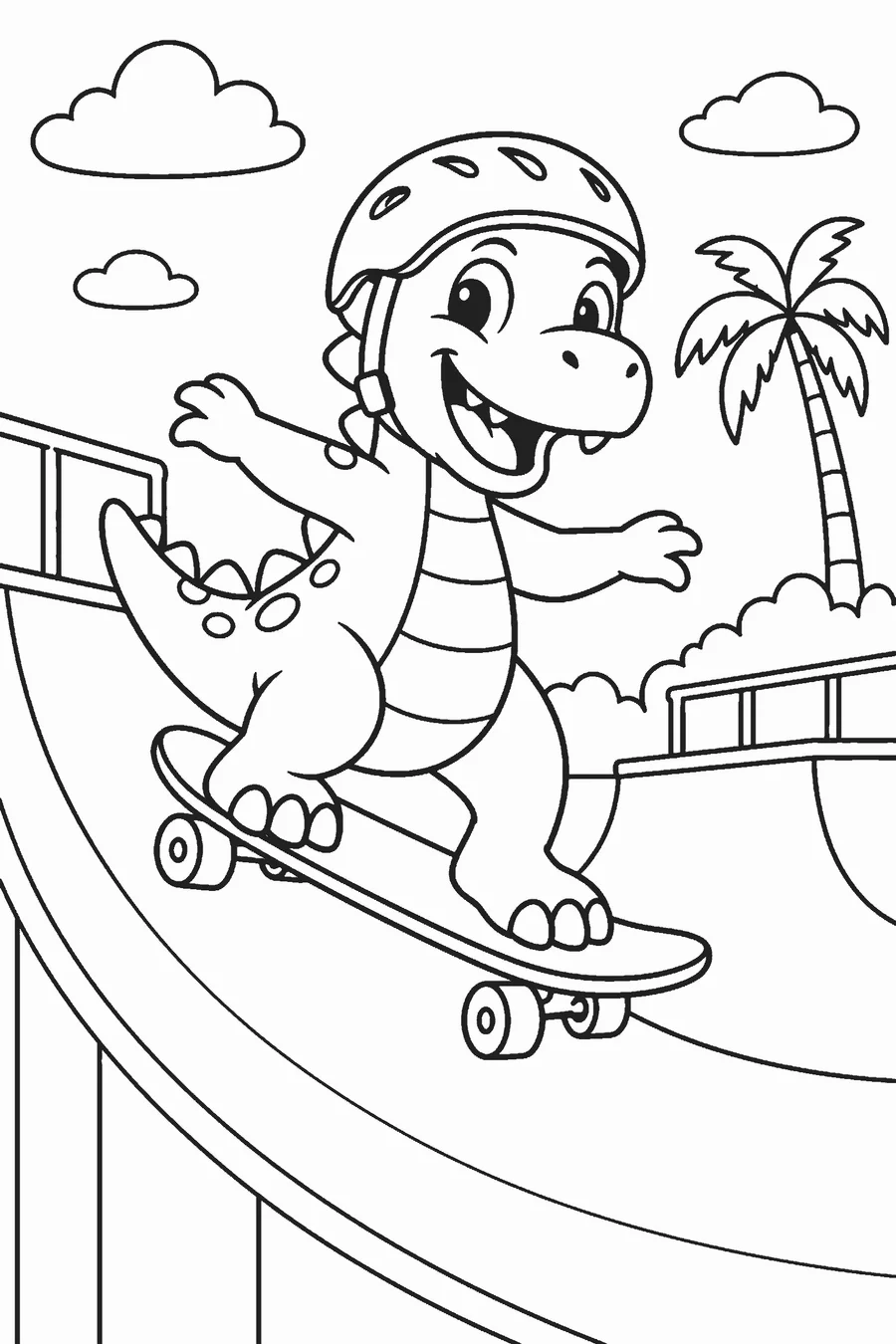
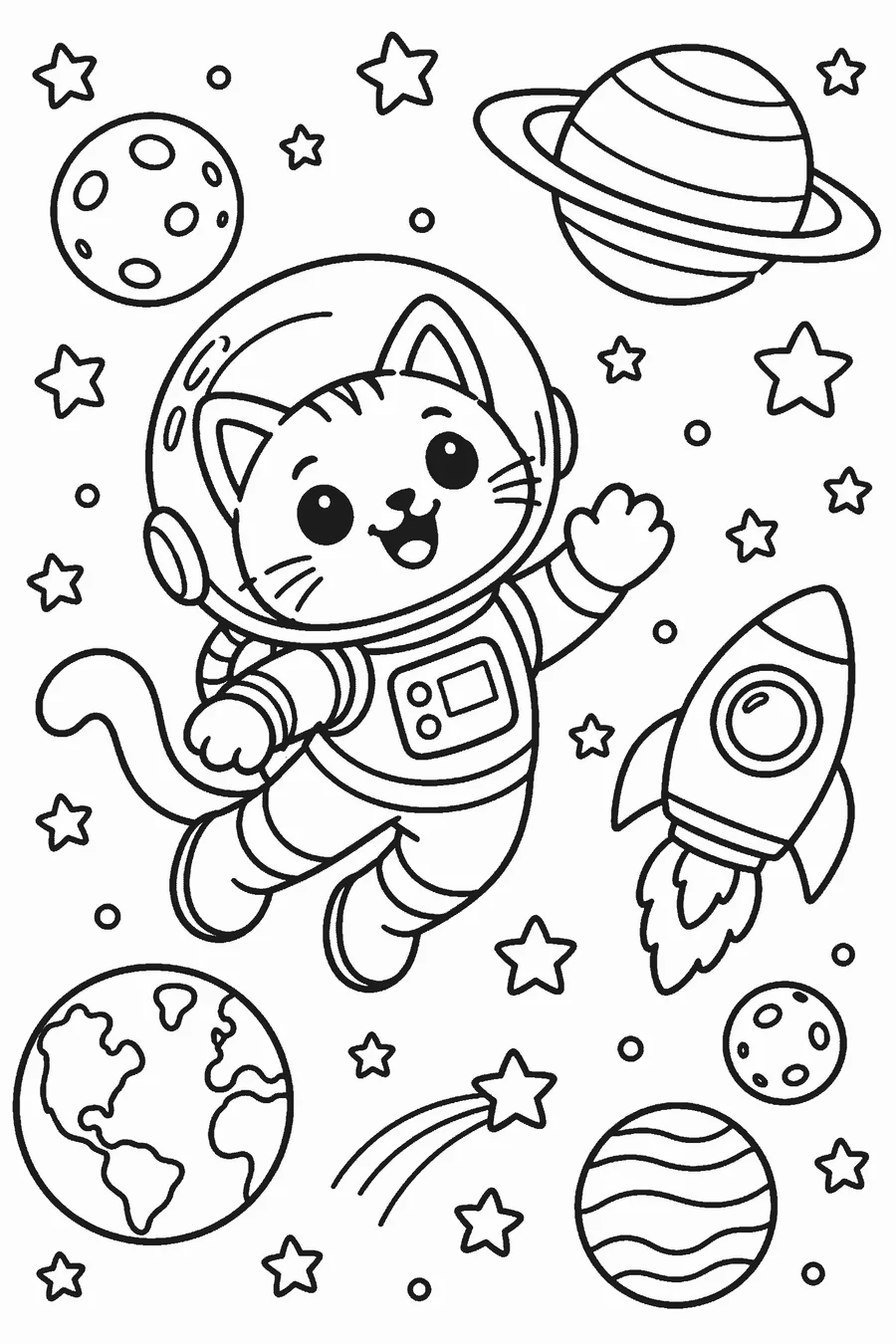
What is the easiest way to turn a text description into a coloring page?
Use a text-to-coloring-page generator: you type a short description and it draws the page as clean black outlines. On Linecraft you write one sentence, pick an age group (3–5, 6–8, 9+ or adults) and press Generate. Two different drawings come back in about 15 to 30 seconds; download your favorite as a 2400 px PNG or a Letter/A4 PDF. Good prompts name one main subject, one action and one setting. Leave out colors and styles like “watercolor”; the generator always draws line art for coloring. Your first page is free with no account, and Google sign-in adds 3 free credits.
- 1 free AI page per visitor, no sign-up (small linecraft.page mark)
- 3 more free credits after Google sign-in, no card
- 1 credit = 2 AI drawings to pick from; packs from $4.99, one-time, never a subscription
- Photo sketch, bubble letters, worksheets and the printable gallery are free and unlimited
How to turn text into a coloring page
Write one sentence
Name a subject, an action and a setting: “a cat astronaut floating past Saturn.”
Choose an age group
Younger groups get fewer, bigger shapes; adults get fine patterns.
Generate two drawings
Press Generate and pick the better of two drawings.
Download the PDF for Letter or A4 paper, or the PNG for an app.
Prompt formula that works
Coloring pages need clear shapes, so short, concrete prompts beat long descriptions.
| Part | Example | Tip |
|---|---|---|
| Subject | a fox family | One main subject; two or three at most |
| Action | having a picnic | Gives the drawing a story |
| Setting | under a big oak tree | Adds background areas to color |
| Age group | Ages 6–8 | Set with the buttons, not in the text |
Skip color words, art styles and camera terms. They don’t help line art and can add shading.
Good and weak prompts
| Weak prompt | Better prompt | Why |
|---|---|---|
| cute animals | a bunny and a hedgehog sharing a picnic blanket | Specific subjects and an action |
| a pink unicorn with rainbow colors | a unicorn jumping over a rainbow | Colors are for the child to add |
| Elsa in a castle | a snow princess in an ice castle | Trademarked characters are refused; describe an original one |
| a realistic photo of a city at night | a city street with a bakery and a bus | Night scenes turn into solid black areas |
Other ways to turn text into something to color
- A name or word in outline letters: use the free bubble letter generator, unlimited.
- A short sentence to trace: use the cursive and handwriting worksheets.
- A theme rather than a scene: browse the free printable coloring pages by theme.
- A photo instead of text: use the free photo to coloring page sketch, which never uploads your picture.
Frequently asked questions
How long should my text be?
One sentence of 5 to 15 words works best. Longer prompts tend to crowd the page.
Can I write in another language?
English works best. Simple sentences in other languages often work too.
Why did I get two drawings?
Each run returns two different takes on your idea for one credit, so you can pick the one that fits.
Can it draw cartoon characters from movies?
No. Linecraft draws original characters only and refuses trademarked characters and real people.
Is it free?
Your first page is free with no sign-up (small mark). Google sign-in gives 3 more free credits; after that, credits are a one-time purchase from $4.99.