Free AI tattoo generator — no sign-up for your first designs
Describe your tattoo idea, pick a style, and get two original black-ink designs on clean white, ready to print as a stencil or bring to your artist. The first run needs no account.
In short: Linecraft’s AI tattoo generator turns a short description into two original tattoo designs in about 15 to 30 seconds. Choose fine line, traditional, blackwork, geometric, minimalist or ornamental. Designs come out as crisp black ink on pure white with no shading wash, so they print as a stencil, drop into Procreate as a transparent PNG, or go to your tattoo artist as a reference. Your first run is free without an account (with a small mark); Google sign-in adds 3 more free runs, and there is no subscription.
Free AI tattoo generator: the exact terms
| Sign-up | Not required for your first run |
|---|---|
| Free | 1 run free without an account (2 designs); 3 more free runs after Google sign-in, no card |
| Watermark | Small linecraft.page mark on the no-account run only; none on sign-in or paid runs |
| Export | PNG (2400 px), transparent PNG, Letter/A4 PDF, print |
| Use | Personal use, including getting the design tattooed on yourself; not for resale |
| Subscription | Not required — one-time packs from $1.99, credits never expire |
No login for the first run, no subscription ever. Free runs are not unlimited: they have a daily site-wide cap.
Example AI tattoo designs
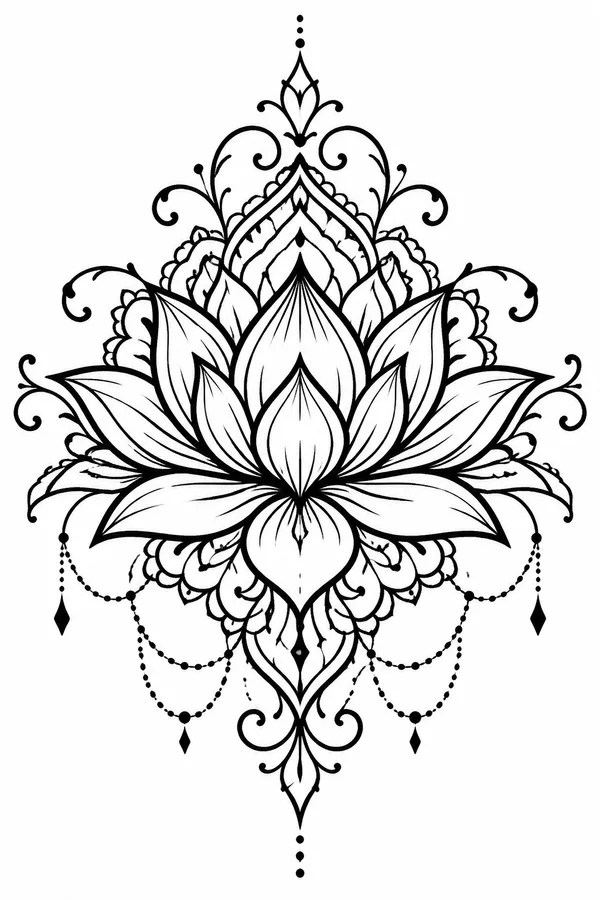
Adding words? Preview lettering with the tattoo font generator. Starting from a photo? Turn it into linework with the photo to stencil maker.
Is there a free AI tattoo generator with no sign-up?
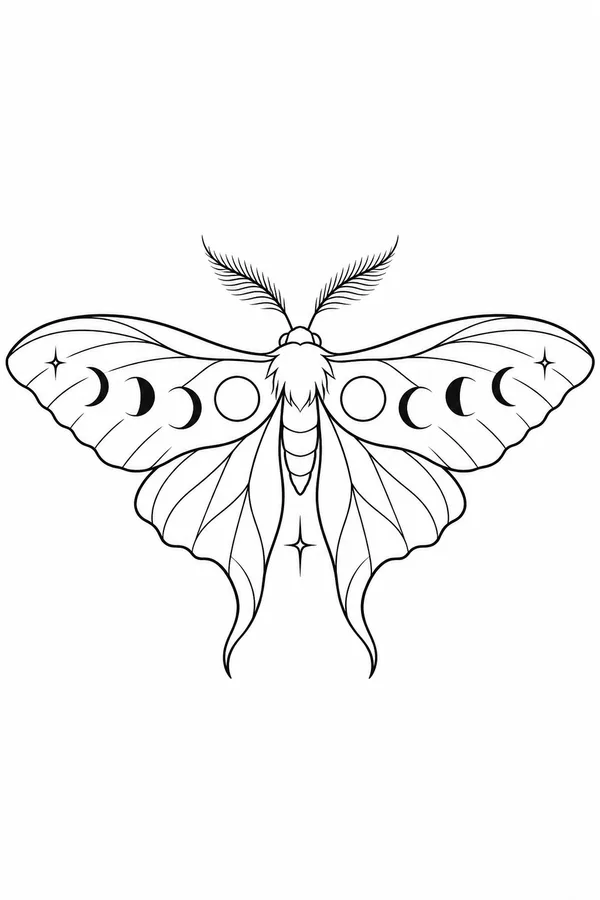
Yes. On Linecraft your first tattoo design run is free and needs no account, email or card: type an idea such as “a moth with moon phases on its wings,” pick a style, and you get two different designs to choose from. That free run carries a small linecraft.page mark in the corner. Sign in with Google for 3 more free runs without the mark, or buy a one-time credit pack; nothing renews. Every design is original black line art on white, so you can print it at the size you want, download a transparent PNG for an iPad mockup, and show it to your tattoo artist, who will usually redraw it to fit your body and skin.
- First run free, no account (2 designs, small mark)
- 3 more free runs after Google sign-in, no card
- Styles: fine line, traditional, blackwork, geometric, minimalist, ornamental
- PNG, transparent PNG, PDF; one-time packs, no subscription
How to design a tattoo with AI
Describe the idea
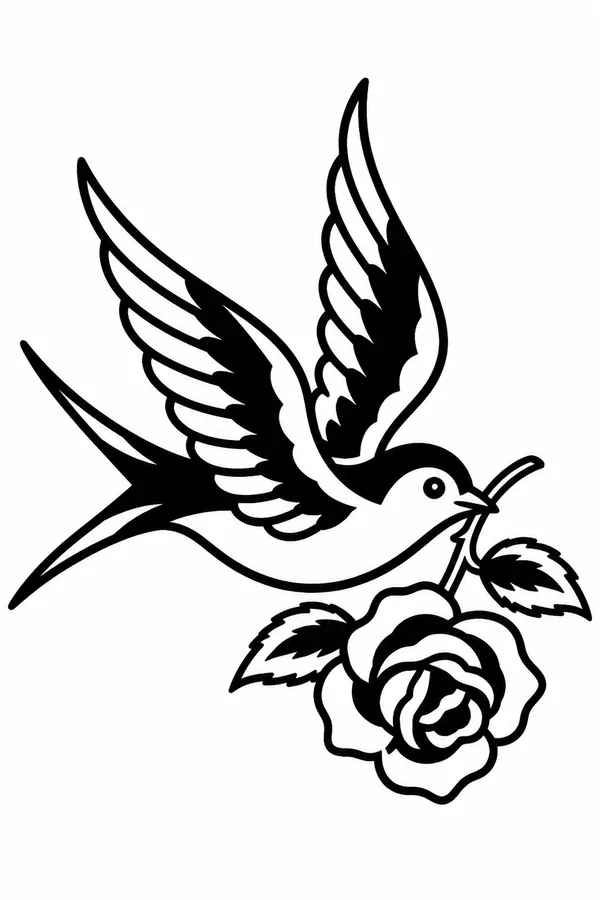
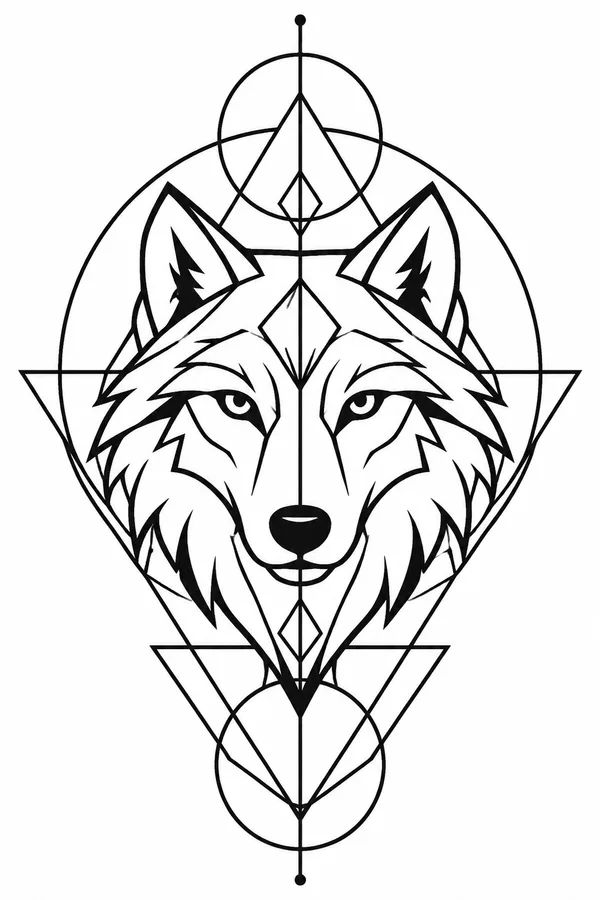
Name the main subject plus one or two details: “a swallow carrying a rose,” “a wolf head inside a circle.” Short and concrete works best.
Pick a style
Fine line for small delicate pieces, traditional for bold flash, blackwork for solid black, geometric, minimalist or ornamental.
Generate and compare
You get two different takes in about 15–30 seconds. Pick one, or change a word and run again.
Size it
Print the PDF at 100% and hold it where the tattoo will go, or place the transparent PNG on a photo of your arm.
Take it to your artist
Bring the design as a reference. A good artist will adjust line weight and size for your skin and placement.
Tattoo styles you can generate
| Style | What you get | Good for |
|---|---|---|
| Fine line | Thin, even lines, airy and minimal | Wrist, ankle, behind the ear, small florals and script-free symbols |
| Traditional | Thick bold outlines, iconic shapes, solid black accents | Swallows, roses, daggers, panthers; ages well |
| Blackwork | Bold black shapes and fills with clean negative space | Forearm and calf pieces, high contrast from a distance |
| Geometric | Precise lines, circles and triangles around the subject | Animal heads, sacred-geometry, symmetrical back or chest pieces |
| Minimalist | A few lines, readable at about 3 cm | First tattoos, finger and wrist tattoos, matching tattoos |
| Ornamental | Symmetrical filigree, lace and mandala linework | Sternum, spine, shoulder caps, frames around a centerpiece |
Every style comes out as black ink on white with no gray wash. Shading is something your artist adds on skin, so a clean line drawing is the most useful starting point and prints cleanly on thermal stencil paper.
Prompts that make better tattoo designs
- One subject plus one twist: “a cat sleeping on a crescent moon” beats a list of five symbols.
- Name the shape you want: inside a circle, wrapped around, framed by leaves, vertical for a forearm.
- Leave out colors and shading: the generator draws black linework; color is planned with your artist.
- Skip lettering in the prompt: AI lettering is unreliable. Add words later with the tattoo font generator, which previews real script and gothic fonts.
- Run the same idea in two styles (fine line and traditional) to see which suits the placement.
| Idea typed | Style | Tip |
|---|---|---|
| a moth with moon phases on its wings | Fine line | Symmetrical subjects suit the sternum or upper back |
| a swallow carrying a rose | Traditional | Classic flash; works small or as a chest pair |
| a wolf head | Geometric | Ask for “inside a circle” for a clean round outline |
| a lotus flower | Ornamental | Add “with a mandala below” for a longer spine piece |
From design to stencil
- Download the PDF and print it at 100% on plain paper to check the size on your body; change the print scale until it looks right.
- For a mockup, download the transparent PNG and place it on a photo of the spot in Procreate, Photoshop or any photo app.
- Bring the design to your artist. They will usually redraw it and make the thermal stencil themselves; a clean black-and-white file makes that faster.
- Have a photo instead of an idea? The free photo to stencil maker turns a picture into outline linework in your browser.
AI designs are a starting point, not a finished tattoo. Thin lines placed too close together can blur over the years, so let your artist adjust spacing and line weight for the size you choose.
How Linecraft compares with other free AI tattoo generators
Free AI tattoo tools differ mainly in what “free” means: some need an account before the first design, some limit free downloads to low resolution or add a watermark, and some are subscription apps with a trial. Linecraft’s terms are in the table at the top of this page: the first run is free without an account and returns two designs, Google sign-in adds three more runs, and paid credits are one-time packs. The output is focused on what an artist can actually use — clean, stencil-ready black linework — rather than colored or shaded renders on a body.
Frequently asked questions
Is the AI tattoo generator really free?
Your first run is free without an account and gives two designs with a small linecraft.page mark. Sign in with Google for 3 more free runs without the mark. After that, credits come in one-time packs; there is no subscription.
How many free tattoo designs can I make per day?
Without an account you get one free run (two designs) per browser, and free runs also have a site-wide daily limit, so on busy days they can run out until the next day. Signing in adds 3 free runs to your account; they don’t expire.
Do the designs have a watermark?
Only the free no-account run has a small linecraft.page mark in the corner. Designs from sign-in credits or paid credits have no mark.
Can I get the design tattooed?
Yes, for yourself: personal use includes getting the design tattooed on your own body. Don’t resell the designs as flash sheets or products. Your artist may redraw it, which is normal.
Can I make a tattoo stencil from the design?
Yes. The design is black linework on white, so print it at 100% or hand the PNG to your artist for thermal stencil paper. To turn a photo into a stencil instead, use the free photo to stencil maker.
Can it add names or words to the tattoo?
The generator avoids lettering because AI text is often misspelled. Preview the words in real tattoo fonts with the free tattoo font generator and combine them with your design.
What happens if free runs are used up for today?
You’ll see a message. You can come back the next day, sign in with Google for 3 free runs, or buy a small one-time pack; free tools like the photo to stencil maker and tattoo font generator keep working.