
Turn family photos into a coloring book
Upload photos of your kids, grandparents, pets or a trip, turn each one into a coloring page, then bind them into one printable PDF with a cover. A personal gift you can print tonight.
In short: A photo coloring book on Linecraft is a printable PDF of your own photos turned into black-and-white coloring pages, with a bubble-letter cover and page numbers. Converting photos with the in-browser sketch is free; AI pages cost 1 credit each. Binding the book costs 15 credits up to 10 pages or 40 up to 40, so a 10-page book fits one $1.99 pack and a 12-page AI book fits one $4.99 pack. One-time payment, credits never expire, and the PDF downloads instantly.
Main page: Coloring book maker · Step 1 below: turn each photo into a page, then bind them into a book.
your page appears here ↓
Upload a photo of your kid, your dog or your last trip — or tap a sample on the left.
Real family photos turned into coloring pages

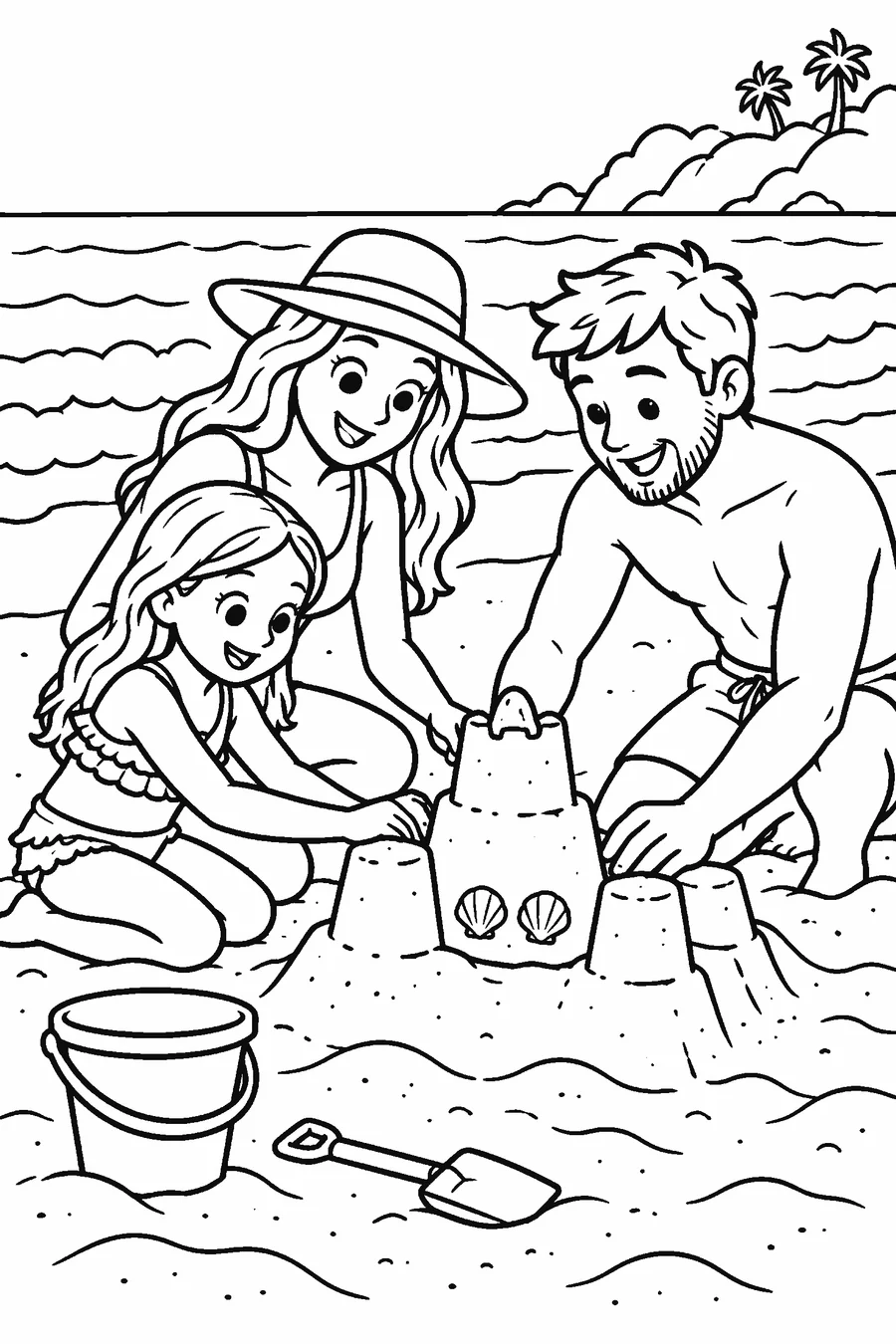
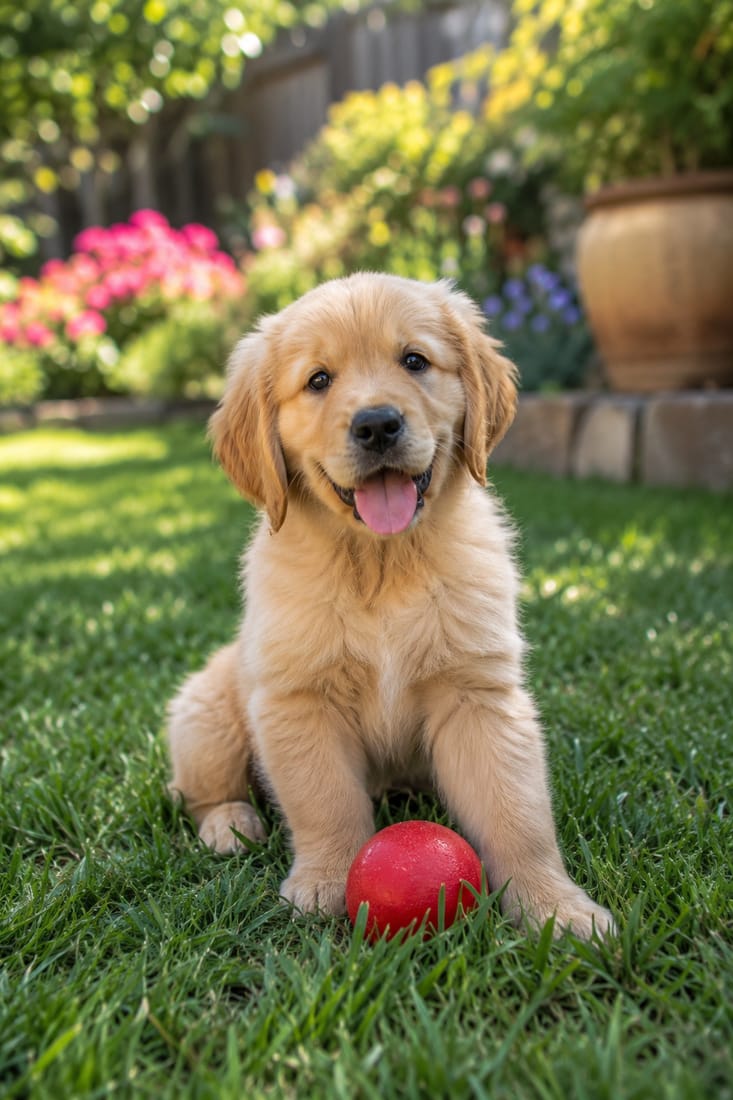
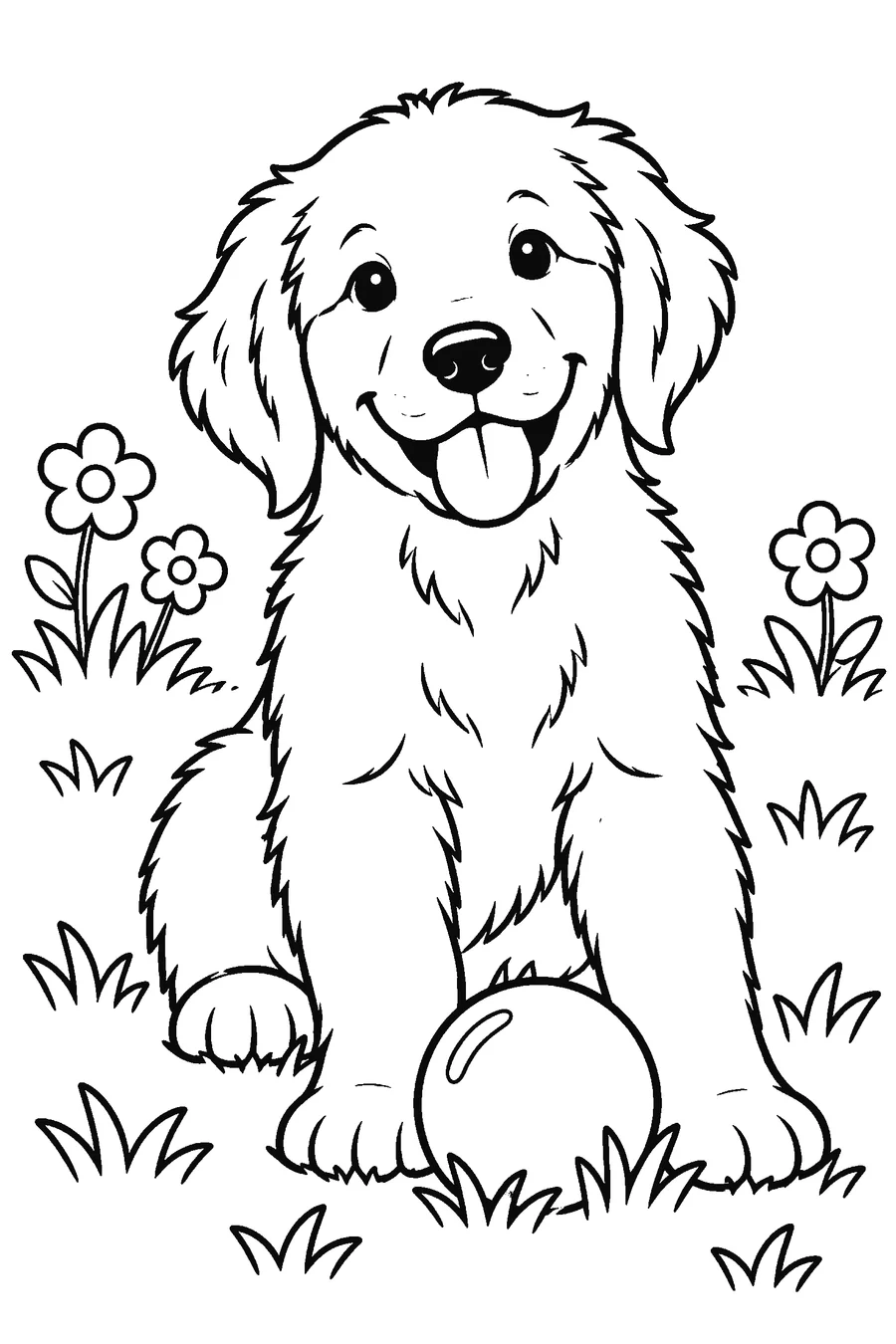

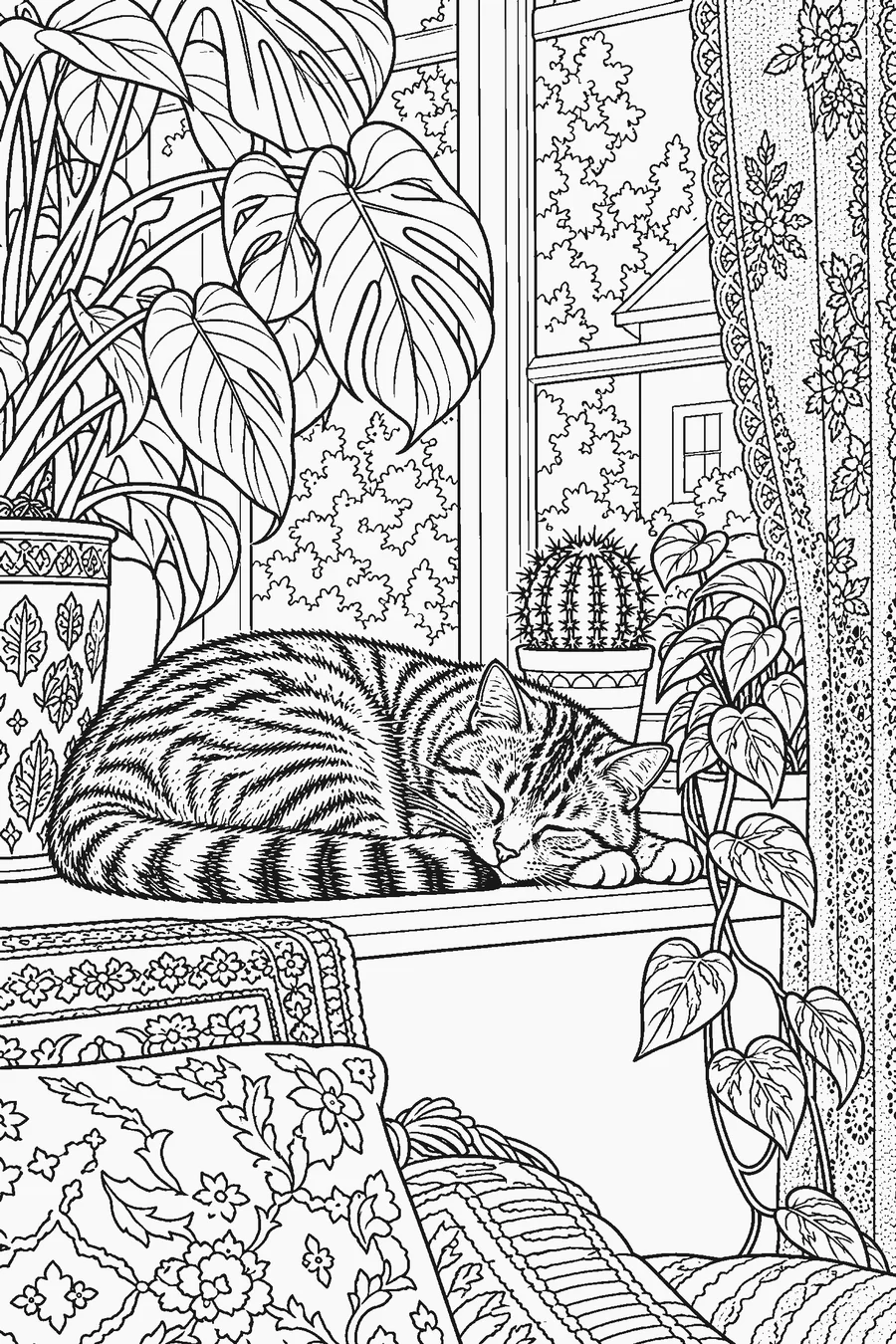
Photo coloring book: price, pages and delivery
| What you get | One print-ready PDF, 2–40 pages, US Letter or A4, page numbers and 0.5″ margins |
|---|---|
| Cover | Included: your title in bubble letters, plus an optional “This book belongs to” page |
| Book price | 15 credits up to 10 pages, 40 credits up to 40 pages |
| Photo pages | Free in-browser sketch (0 credits) or AI coloring page (1 credit per photo, about 15–30 seconds) |
| Example totals | 10 free photo sketches + book = 15 credits (one $1.99 pack). 12 AI photo pages + book = 52 credits (one $4.99 pack) |
| Payment | One-time credit packs from $1.99; no subscription, no auto-renew, credits never expire |
| Delivery | Instant digital download; the PDF is built in seconds. No printed or shipped book |
| Refund | Unused credit packs refundable within 14 days; a failed AI page returns its credit automatically |
| Preview | Cover and every page shown in the book maker before you pay for the book; book credits are spent only when you click “Make my book PDF” |
| Photos | Never made public (no public gallery of customer photos); original photos are not saved by us; finished pages and books stay in your private My creations for 30 days, then are deleted |
Digital PDF only — no subscription, no auto-renew, nothing shipped.
Ready to bind? Open the coloring book maker, pick your converted photos from My creations and add a cover. Want ready-made pages too? Mix in free printable coloring pages or name coloring pages. Comparing sites first? See the best custom coloring book sites, with prices.
How do I turn my family photos into a custom coloring book, and what does it cost?
Convert each photo into a coloring page with the photo to coloring page tool: the free sketch runs in your browser, and the AI version (1 credit per photo) redraws faces and pets as clean line art in about 15–30 seconds. Then open the coloring book maker, pick your pages, type a cover title and choose US Letter or A4. A book of up to 10 pages costs 15 credits and up to 40 pages costs 40 credits. Credit packs start at $1.99 for 15 credits and $4.99 for 60; they are a one-time payment with no subscription, and the credits never expire. You get a digital PDF to print at home or at a copy shop, not a shipped book. New accounts get 3 free credits to test a few photos first.
- 10-page book from free sketches: 15 credits = one $1.99 pack
- 12 AI photo pages + book: 52 credits = one $4.99 pack
- Cover with your title, optional “This book belongs to” page, page numbers
- One-time payment, no subscription; instant PDF download
How to make a coloring book from photos
Choose 8–12 photos
Pick photos with one or two people or pets, faces turned to the camera and a simple background. Group shots of more than four people get crowded.
Convert each photo
Use the tool above: the free sketch for quick results, or AI (1 credit) for clean cartoon or detailed line art. Every result is saved to My creations.
Open the book maker
In the coloring book maker, switch to My creations and tap the pages you want, in order. Mix in free gallery or name pages if you like.
Add the cover
Type a title such as “Grandma’s Garden” or “Max the Dog,” and add the “This book belongs to” page for a gift.
Download and print
Spend 15 or 40 credits, download the PDF, print single-sided and staple the left edge.
Photo book ideas people make
| Book | Photos to use | Pages |
|---|---|---|
| Grandparents gift | Grandkids, a family dinner, the grandparents’ house and garden | 8–12, kids color and sign it |
| Pet book | The dog or cat sleeping, playing, at the park; a portrait for the cover | 6–10 |
| Birthday favor | The birthday kid, friends, favorite toys and pets | 10, one copy per guest |
| Family trip | Beach, landmarks, the car, the hotel pool | 10–20, colored on the drive home |
| New sibling | The baby, the big sister or brother, the nursery | 6–8 |
| Pet memorial | Favorite photos across the years | 6–12, a gentle keepsake for kids |
Which photos make the best coloring pages
- Close and well lit: a face that fills a third of the photo converts better than a tiny figure in a landscape.
- Simple background: a wall, sky or lawn keeps the page clean. Busy rooms turn into lots of small shapes.
- One to four subjects: pets and portraits work best; big group photos are better split into several pages.
- For toddlers choose the Simple cartoon style; for older kids and grandparents choose Detailed or Sketch lines.
- Avoid sunglasses and heavy shadows on faces, which turn into dark blobs.
Print it like a real book
- Print the cover on cardstock (65–110 lb) and the inside pages on regular paper.
- Print single-sided so markers do not bleed through to the next picture.
- Staple the left edge, use a three-hole punch and ribbon, or ask a copy shop for coil binding (usually a few dollars).
- Making copies for a party? Print one PDF as many times as you need — there is no per-copy fee.
Free and paid, plainly
Free with no account: the in-browser photo sketch, the free gallery pages and name pages. Paid with credits: AI photo pages (1 credit each) and the book PDF (15 or 40 credits). New accounts get 3 free credits. Packs: 15 credits for $1.99, 60 for $4.99, 200 for $12.99, 600 for $29.99. No subscription and no auto-renew.
Frequently asked questions
Can I turn my family photos into a coloring book?
Yes. Convert each photo into a coloring page, then bind them in the coloring book maker into one PDF with a cover and page numbers. Books have 2 to 40 pages.
How much does a custom photo coloring book cost?
A book of up to 10 pages costs 15 credits (one $1.99 pack if you use the free photo sketch). With 12 AI photo pages and the book it is 52 credits, inside one $4.99 pack. It is a one-time payment.
Is it a subscription?
No. Credit packs are a one-time purchase with no auto-renew, and unused credits never expire.
Do you print and ship the book?
No. You get a digital PDF right away and print it at home or at a copy shop. That keeps the price low and lets you print as many copies as you want.
Does the book include a cover?
Yes. Your title is set in bubble letters on the cover, and you can add a “This book belongs to” page after it.
How long does it take?
Each AI photo page takes about 15–30 seconds, the free sketch is instant, and the book PDF is built in seconds. Ten AI photo pages add up to about five minutes of waiting.
What happens to my photos?
We do not save your original photos. The free sketch never leaves your device; AI photos pass through our server to the AI provider after you sign in and consent. Finished pages and books stay in your private My creations for 30 days, then are deleted.
Can I use pet photos?
Yes. Dogs and cats are some of the best subjects: a clear photo of one pet converts into a clean page kids love to color.